
How to Transcribe Online Videos (YouTube, Instagram, TikTok, etc.)
With Gladia, you can now transcribe videos directly from public URLs — no need to download or convert files manually.
This feature supports multiple online video services such as YouTube, Instagram, TikTok, Vimeo, and more.
Step 1: Open the Transcription Page
Go to the following page:
https://app.gladia.io/pre-recorded/new
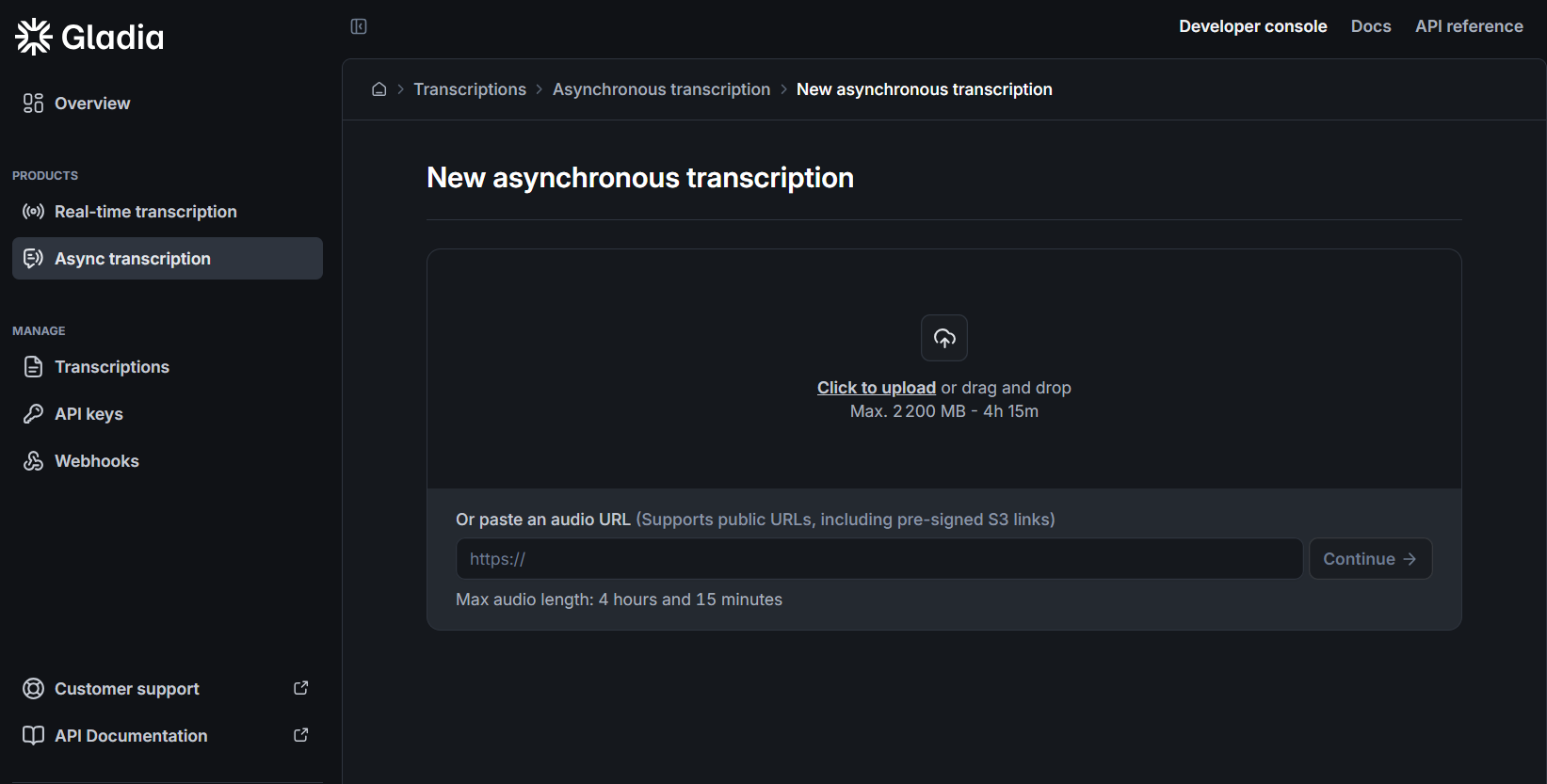
Step 2: Paste Your Video URL
In the “Or paste an audio URL” field, enter the link to your video.
You can use any supported public URL, including pre-signed S3 links.
To see the full list of supported services, visit:
https://docs.gladia.io/chapters/limits-and-specifications/supported-formats#supported-online-video-services
Step 3: Configure the Transcription
Select your preferred settings, such as:
Automatic language detection or a specific language
Diarization
Any additional parameters available on the page
Once ready, click Continue to start the transcription process.
Step 4: Review and Download
After processing, you can view the transcription results directly in your dashboard and download them in your preferred format.
Need Help?
If you encounter any issues or have questions, please contact our support team for assistance.